
Visual Components Product
Member Since 2011
Visual Components is a leading developer of 3D manufacturing simulation software and solutions. Founded in 1999 by a team of simulation experts, we started with a humble goal – to make manufacturing design and simulation technology easy to use and
Product filed under:
Robots and Software & AI Robots and Software & AI
Visual Components Professional includes all Essentials features plus advanced tools to create custom components.
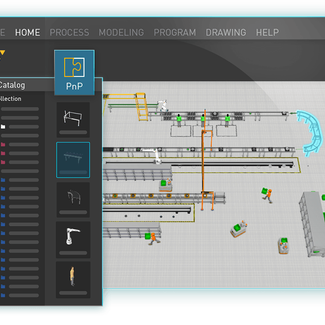
Visual Components Professional is our component creation solution. Define and create your own components to simulate in our 3D world. It includes everything in Essentials and gives you the tools to model and create your own components.
KEY FEATURES:
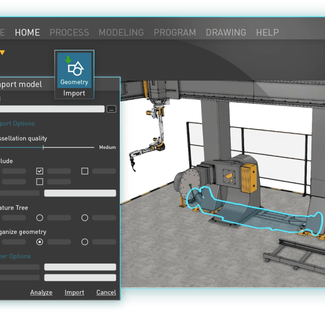
- Component Modeling: Bring CAD files to life with our robust component-modeling tool. Visual Components Professional lets you customize the building blocks of components: geometry, behaviors, and properties. You can add kinematic structures and functional behaviors to imported CAD models, modify feature details of existing models, and build your own personalized library of components.
- Wizards: Create components for the Visual Components world easier and faster. The component-modeling wizards streamline the component development process by asking for simple inputs and automatically configuring the component behaviors. Save time modeling many common component types and activate your CAD files for the 3D world more quickly.
- Geometry Simplification: Reduce file sizes and improve simulation performance by simplifying and removing unnecessary details from your models.
- Basic CAD: Build new 3D geometries and modify imported CAD files using the modeling toolkit. We’ve developed a set of tools for creating, editing, and customizing geometry, solid shapes, and structures. Make quick updates to your 3D geometries, right inside the product.
Other Products from Visual Components
Visual Components Premium
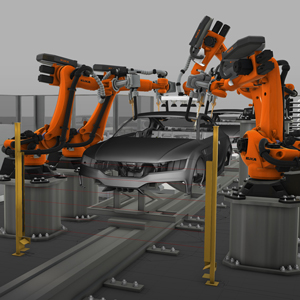
Visual Components Premium offers a complete simulation solution with advanced robotics, virtual commissioning, and controller connectivity.
Visual Components Robotics OLP
Visual Components Robotics OLP enables fast, code-free offline programming for industrial robots. It supports over 20 robot brands and automates